OmniEditor
Your game workshop: create, open, play and annotate.
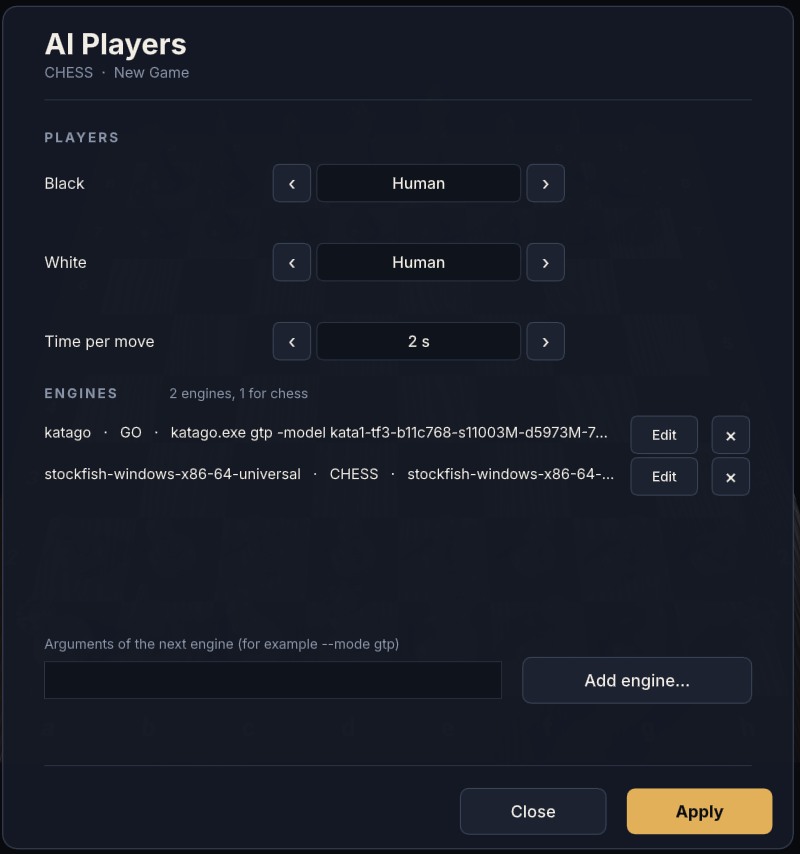
- Local games against an AI engine, in all five games
- Move tree with variations and comments
- Open and save SGF, PGN, PDN and KIF files
Go, chess, xiangqi, shogi and checkers, each fully playable in 3D and in 2D. Play against AI engines on your own machine, or online on KGS, OGS, IGS and Lichess with your own accounts.
All five games are first-class citizens
A new OmniGrid, Lichess played natively, a Go score estimate, colour themes, new 2D boards and lighting presets.
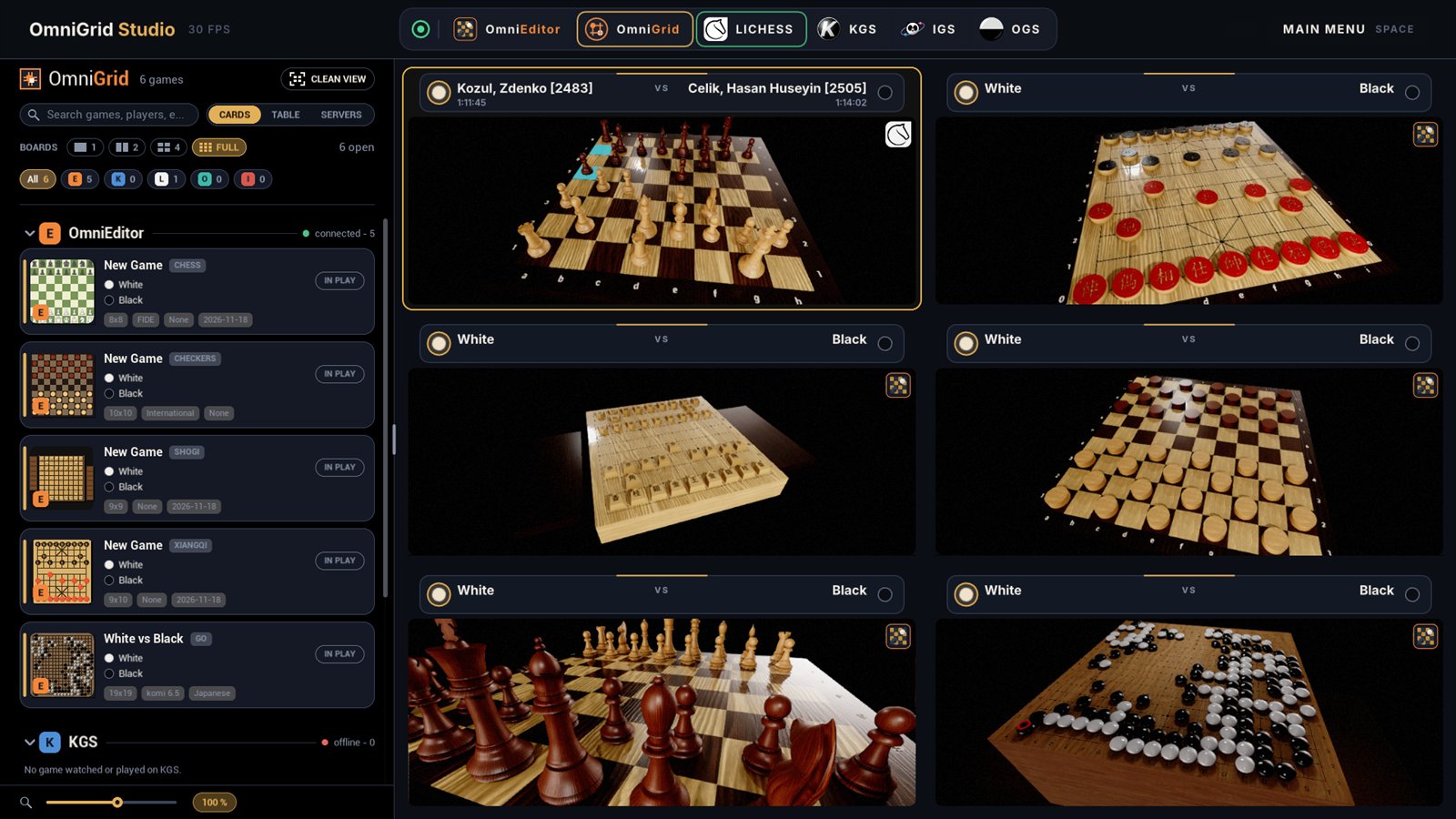
Cards, table or servers view. Your own games come first. 1, 2, 4 or all boards on screen, with pages.
Sign in with your Lichess account. Seek, challenge and play in 3D. Lichess TV, broadcasts and leaderboards.
At any time, in your games or the ones you watch. Mark dead stones, switch the rules, or ask KataGo.
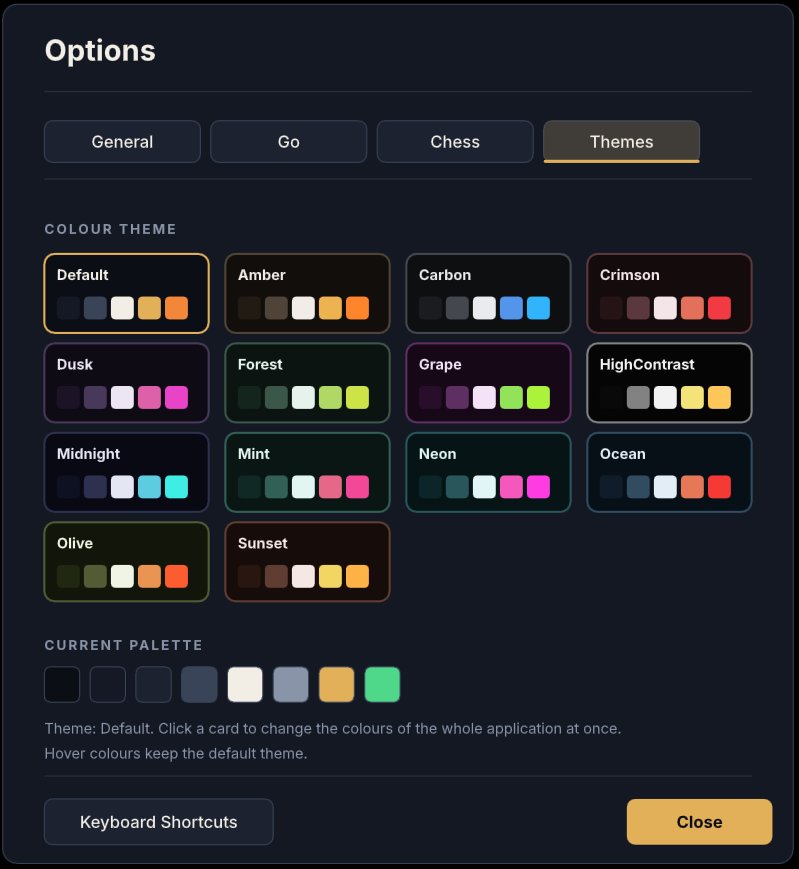
The whole application changes colour at once. Try the themes on this page.
Shogi, xiangqi and checkers pieces in 2D are rendered from the 3D models. Go stones too.
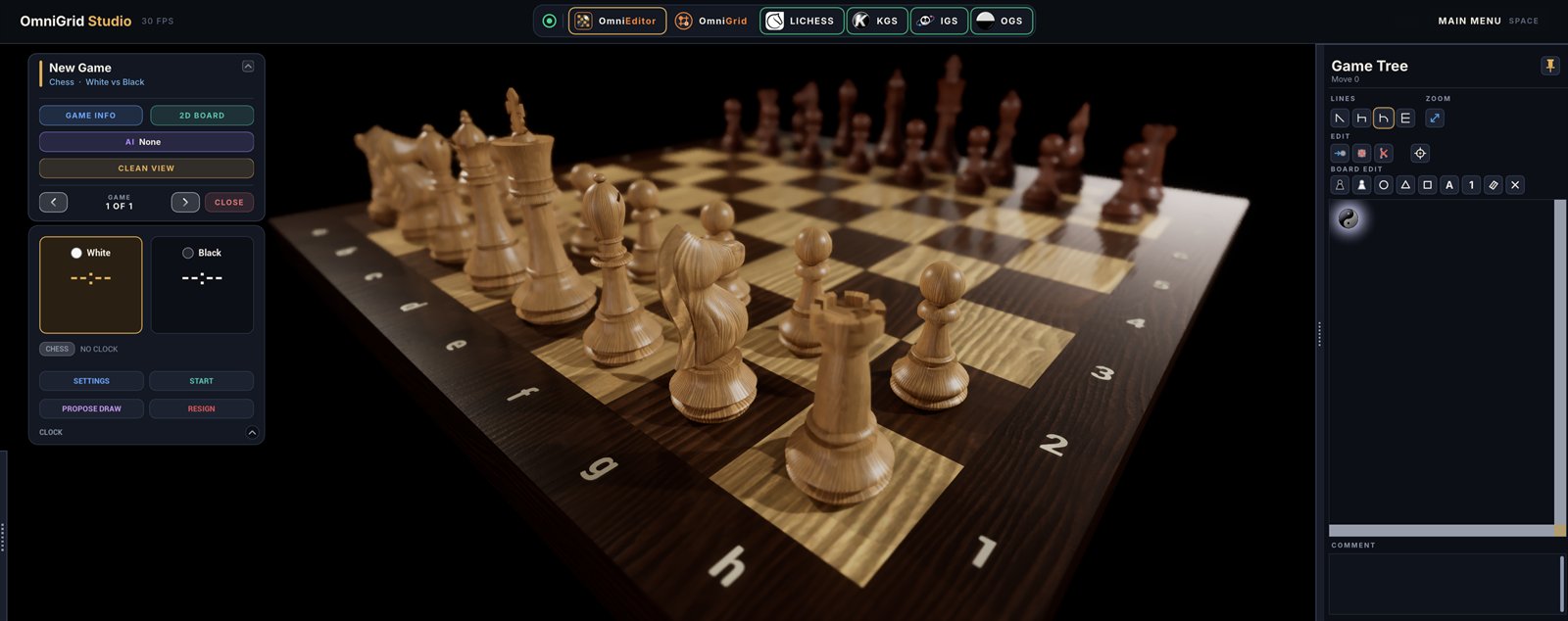
Chrome, neon, lacquered or wooden pieces and boards, and ten lighting presets for the 3D scenes.
Every service has its own tab and its own game list. Switch between them in one click (or Ctrl+Tab) without ever leaving the window.
Your game workshop: create, open, play and annotate.
All your games, from every service, in one place.
Join the major game servers, play and watch live games.
Go, chess, xiangqi, shogi and checkers each have their own 3D scene, their own rules, a 2D board, a move tree, clocks and a file format. None of them is an afterthought.
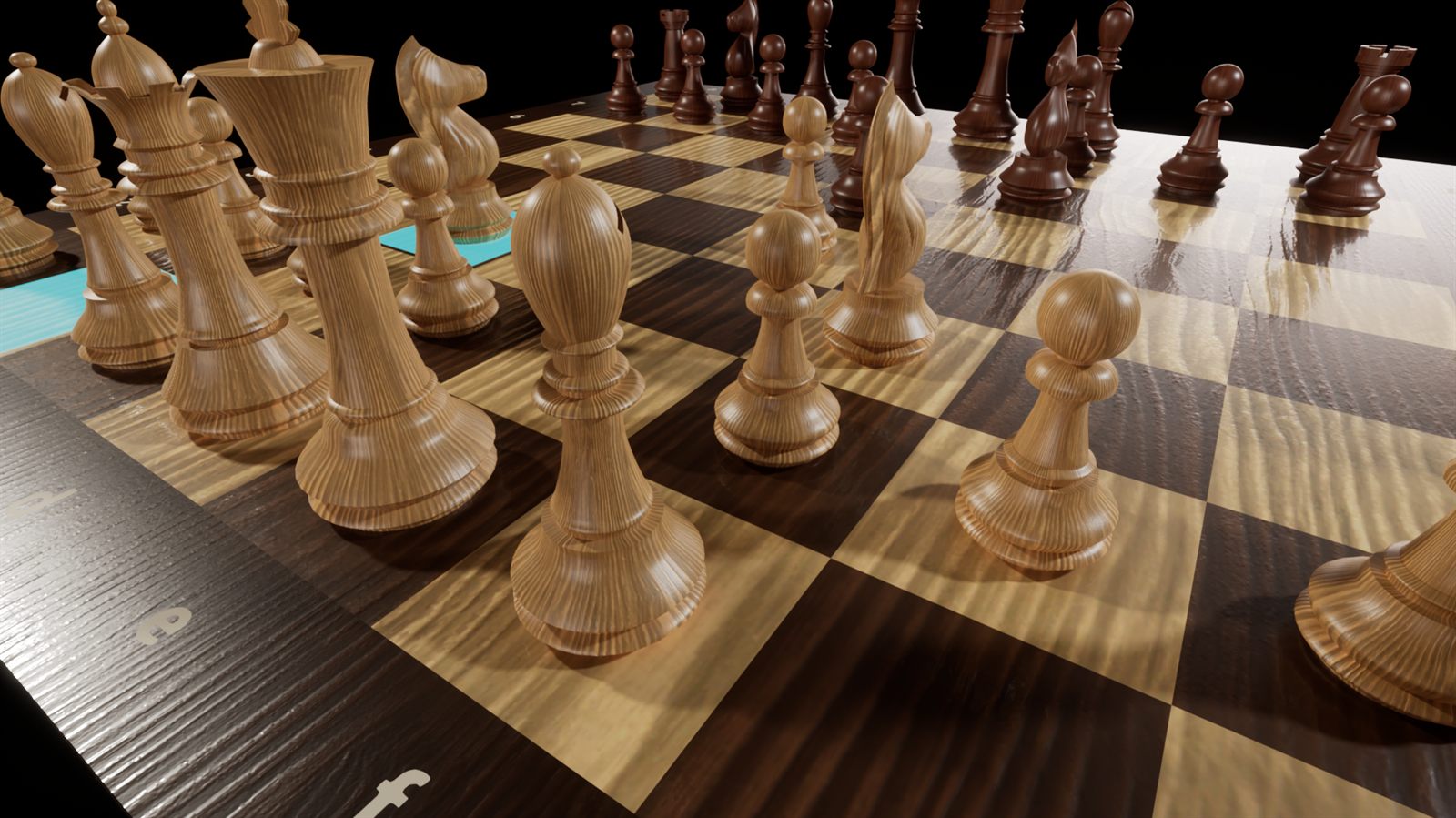
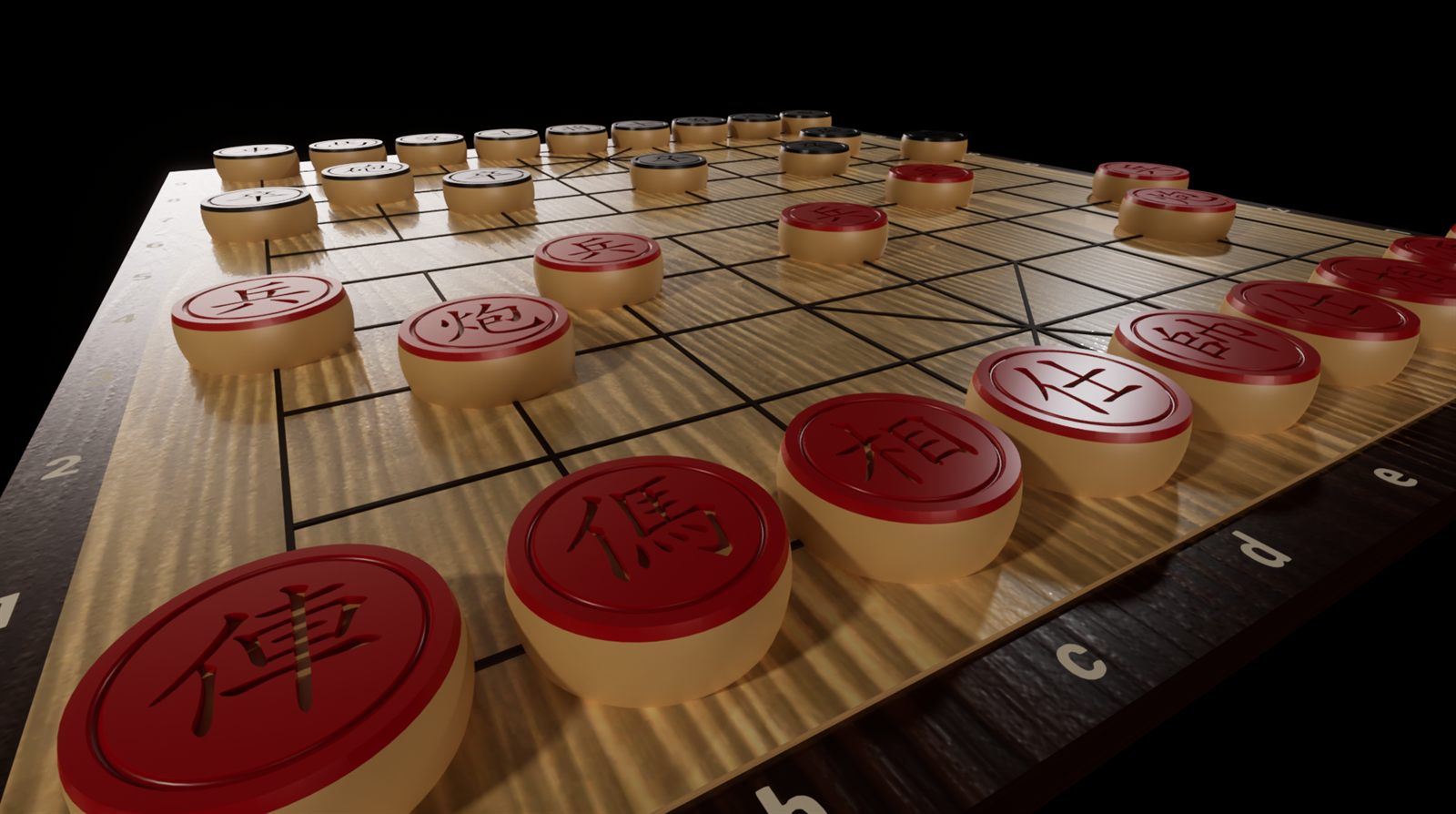
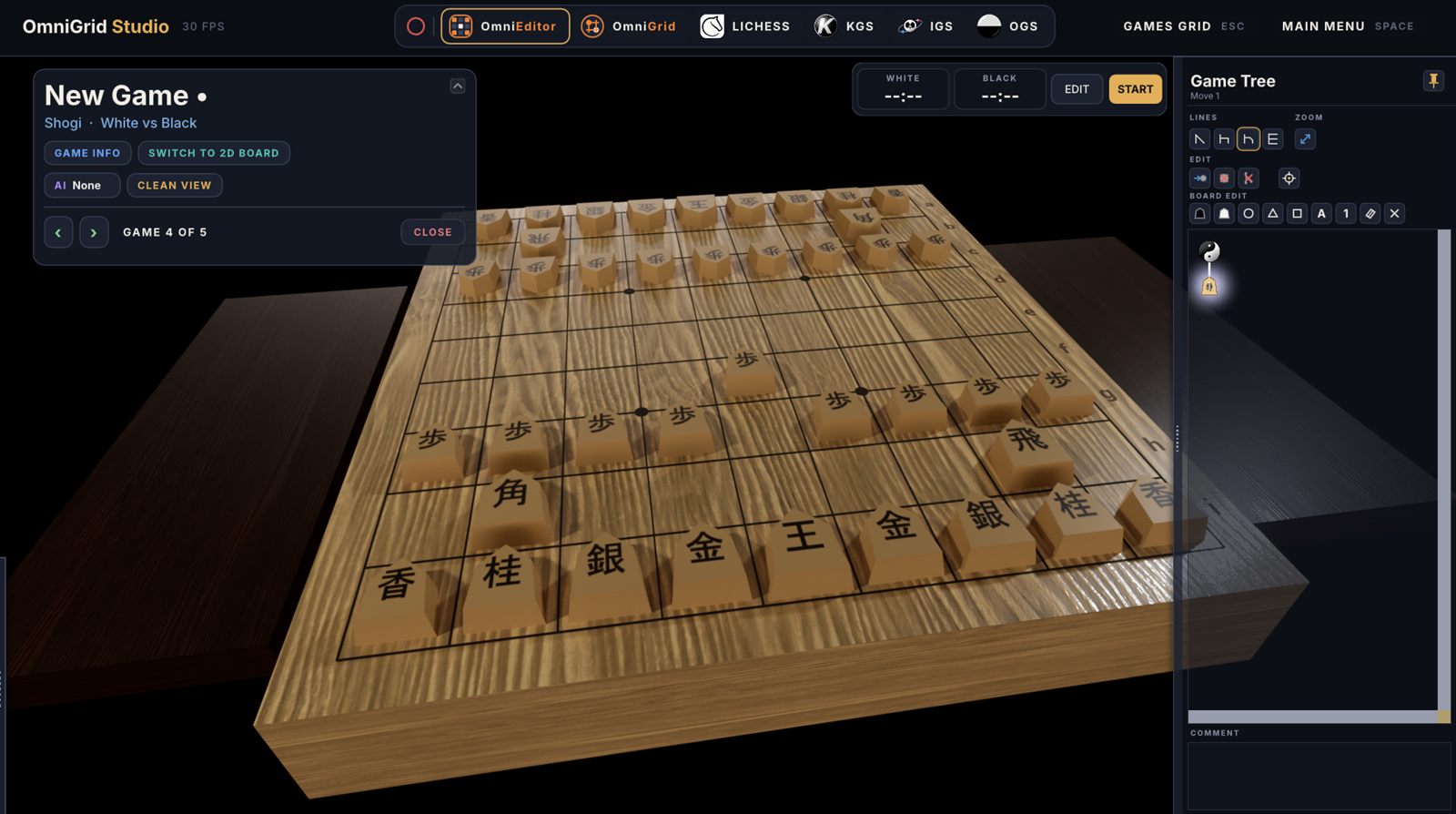
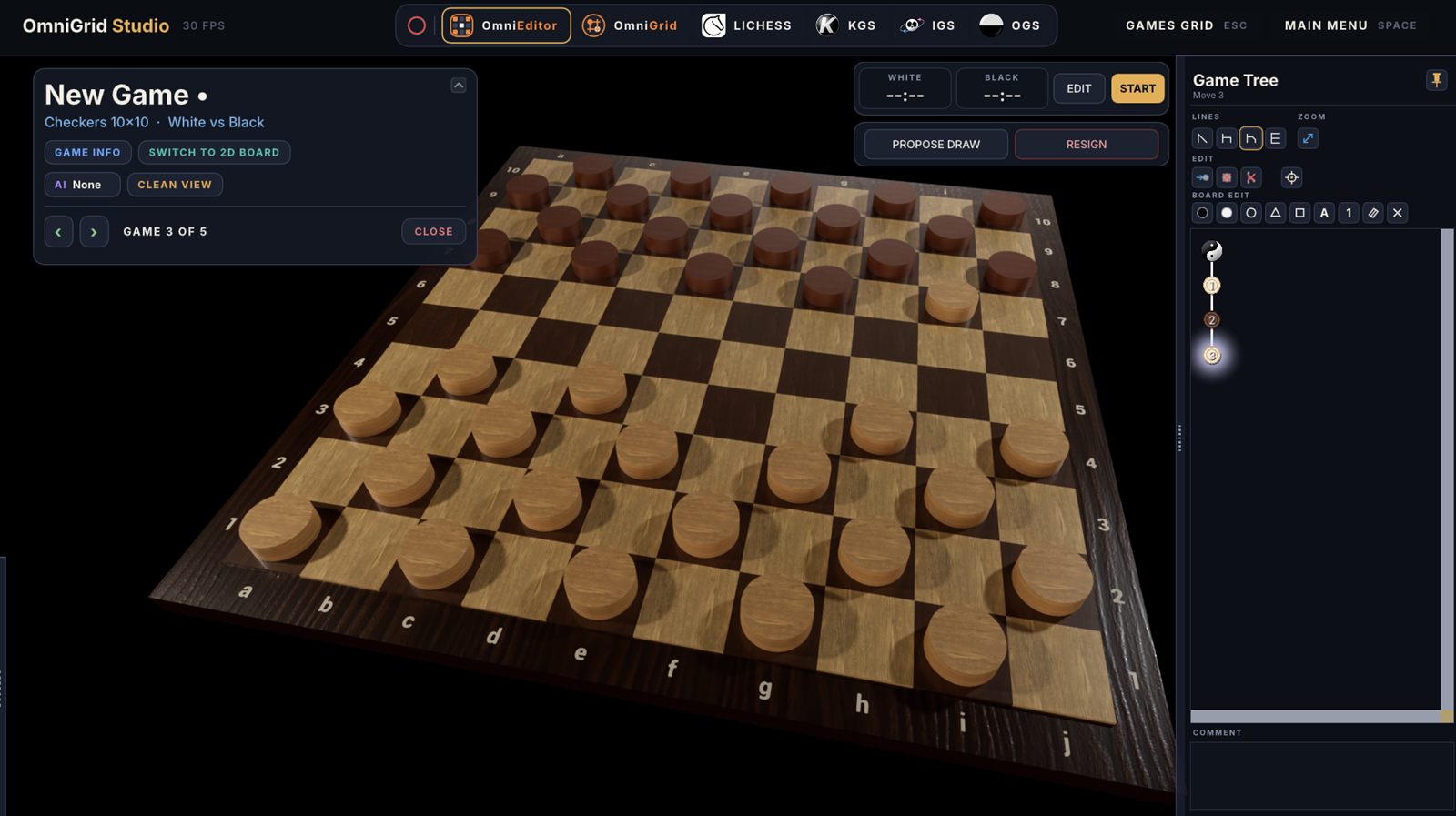
| Game | File format | AI protocol | Ways to play |
|---|---|---|---|
| Go | SGF | GTP | Local play, files and AI+ KGS · OGS · IGS |
| Chess | PGN | UCI | Local play, files and AI+ Lichess |
| Xiangqi | PGN | UCCI | Local play, files and AI |
| Shogi | KIF | USI | Local play, files and AI |
| Checkers | PDN | Hub | Local play, files and AI |
The same tools for every game: 3D and 2D boards, move tree with variations, clocks with the captured pieces, open and save.
OmniGrid Studio speaks the standard engine protocols. Plug in the engine you like for each game and play against your own computer, with the thinking time you choose.
Go Text Protocol. Works with KataGo and any GTP engine.
Universal Chess Interface, the standard of chess engines.
Chinese chess engines over UCCI.
Shogi engines over the Universal Shogi Interface.
Draughts engines over the Hub protocol.
# GTP · KataGo
> genmove B
= Q16

# GTP · final score
> final_score
= W+3.5

# UCI · chess
> go movetime 3000
bestmove e2e4

# USI · shogi
> go byoyomi 3000
bestmove 7g7f
Engines are not bundled: install the ones you want, then point OmniGrid Studio to their executable.
A dark, readable interface designed like a desktop application: visible cursor, collapsible panels, keyboard shortcuts.
Watch several games at once, step through the moves, jump back to live, switch to 2D, or copy the game into the OmniEditor to analyze it.
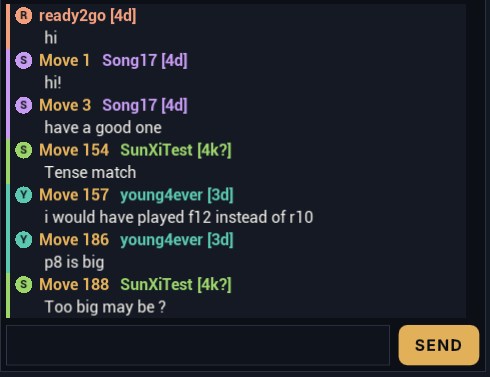
Game chat on KGS, OGS, IGS and Lichess, with the list of people in the game. In clean view, the chat can stay pinned on the right edge.
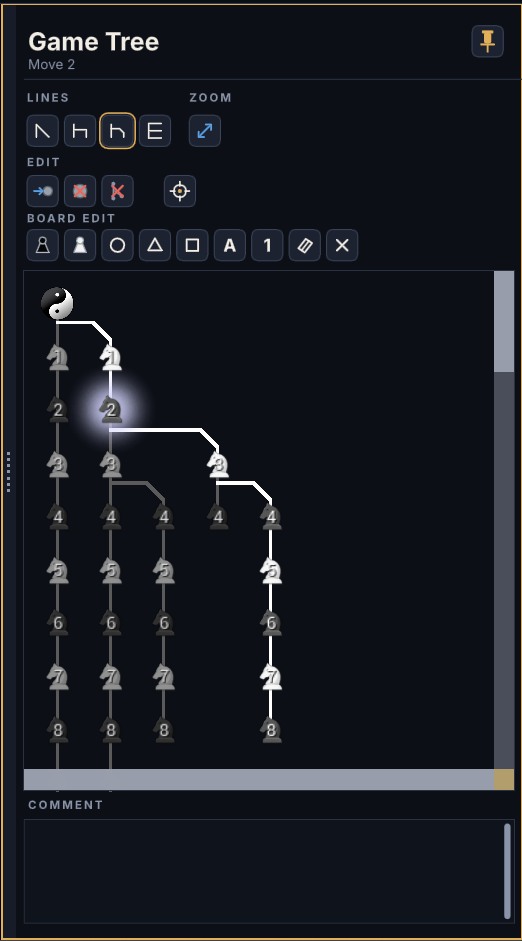
Variations, comments, board annotations (circles, triangles, squares, letters, numbers) and several tree layouts.
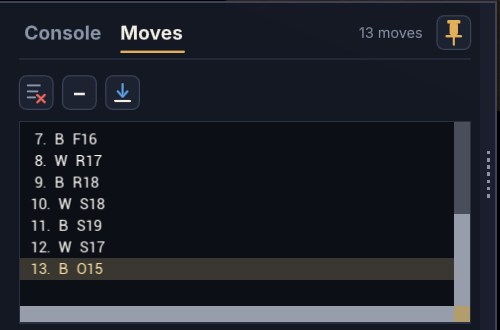
The move list stays at hand, next to a console that logs what the application is doing.
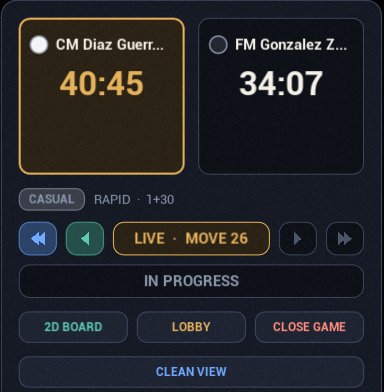
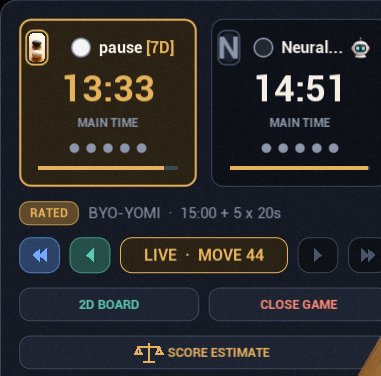
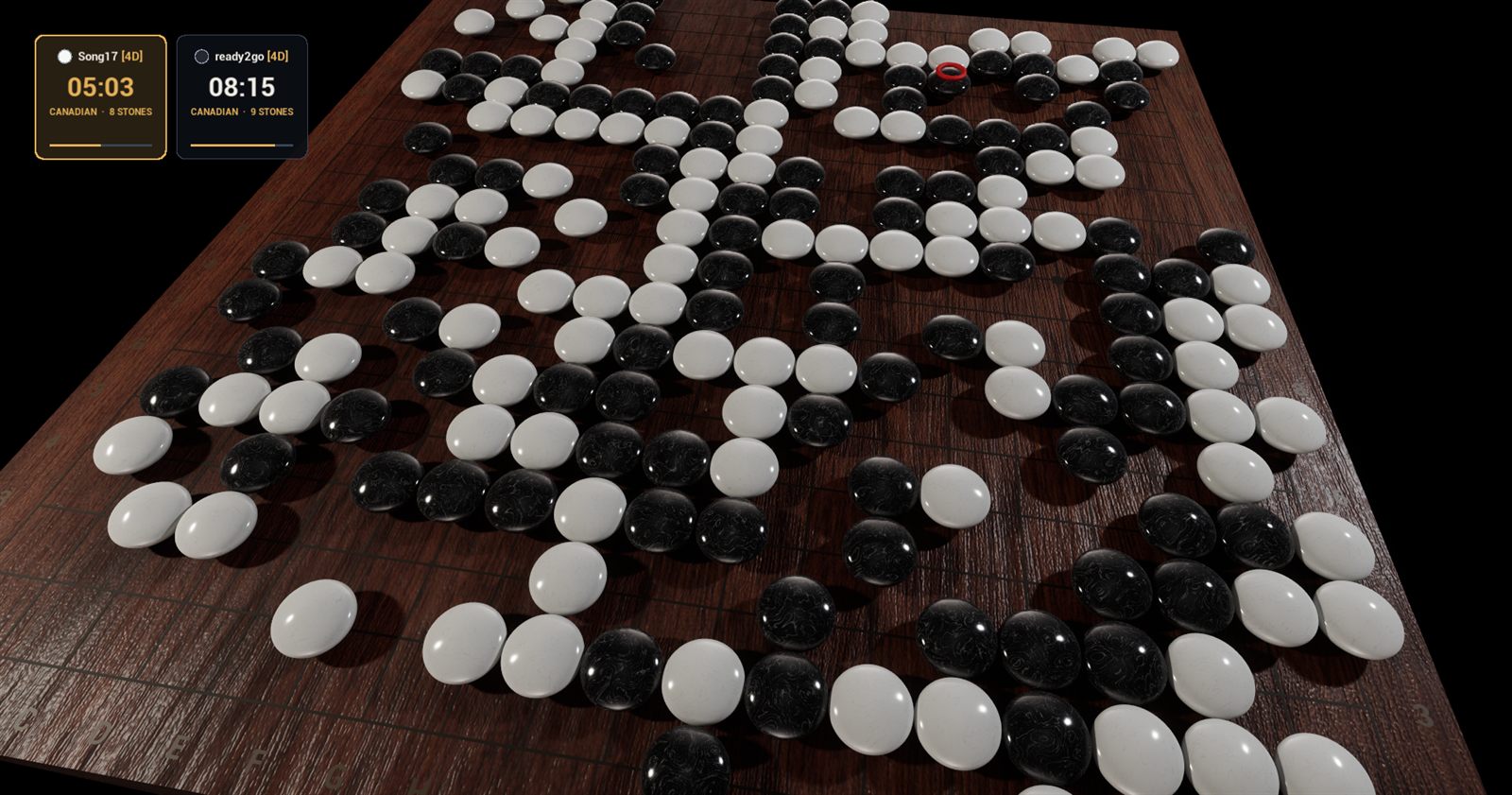
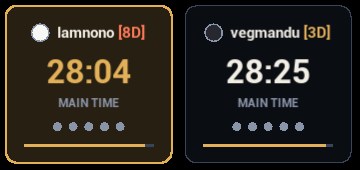
Byo-yomi, Canadian and main time, for your games and the ones you watch. The captured pieces are shown under each clock; in shogi, the pieces in hand.
Plug in your favorite engines (KataGo, or any GTP, UCI, USI, UCCI or Hub engine), set the thinking time and face them.
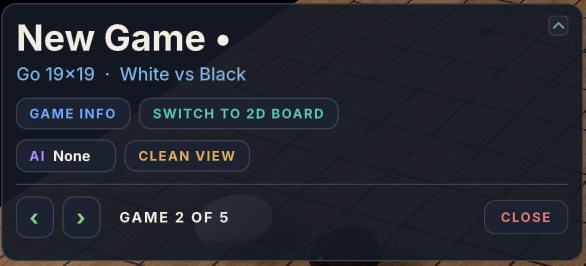
Title, rules, players, 2D or 3D, clean view: everything in a collapsible card.
In the OmniEditor and in every Go game on KGS, OGS or IGS, played or watched: open the estimate on a copy of the game. Click a group to mark it dead or alive. The count follows the rules and the komi of the game, and you can switch the rules to compare.
One button asks KataGo: it marks the dead groups and gives its own score. Your game is never changed.
Click a player to see their card. On KGS: rank graph, game archive, friends and mailbox. Profiles on OGS, IGS and Lichess, with rating history on Lichess.
Press H: the panels fold into one small capsule with the players and the clocks. Press H or Esc to get them back.
An option draws the 3D board over the panels, so nothing hides the board. Panels and clocks can be scaled with a grip.
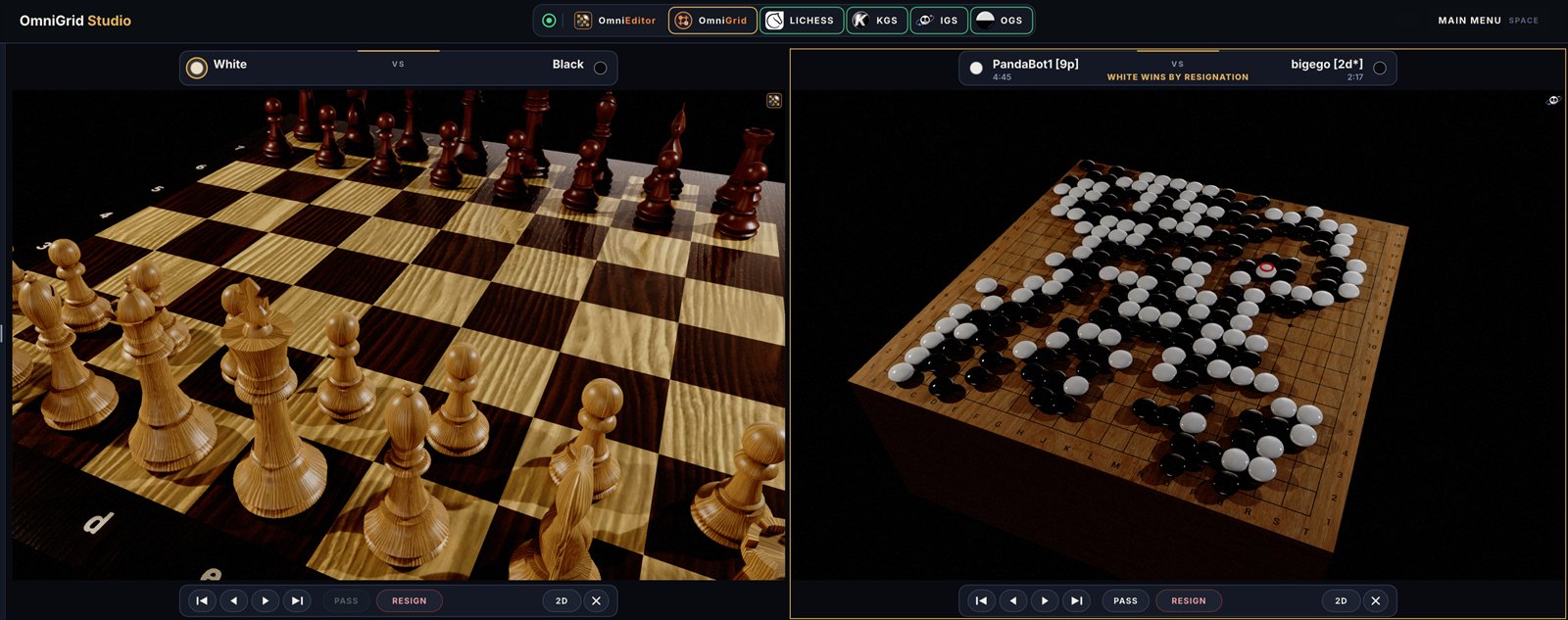
On the left, every game of every service in one list. On the right, the open games side by side in 3D or 2D, with players, clocks and controls.
Sign in with your Lichess account and play through the official Lichess Board API. Your moves are played on the 3D board; the lobby, the clocks and the chat are in the app.
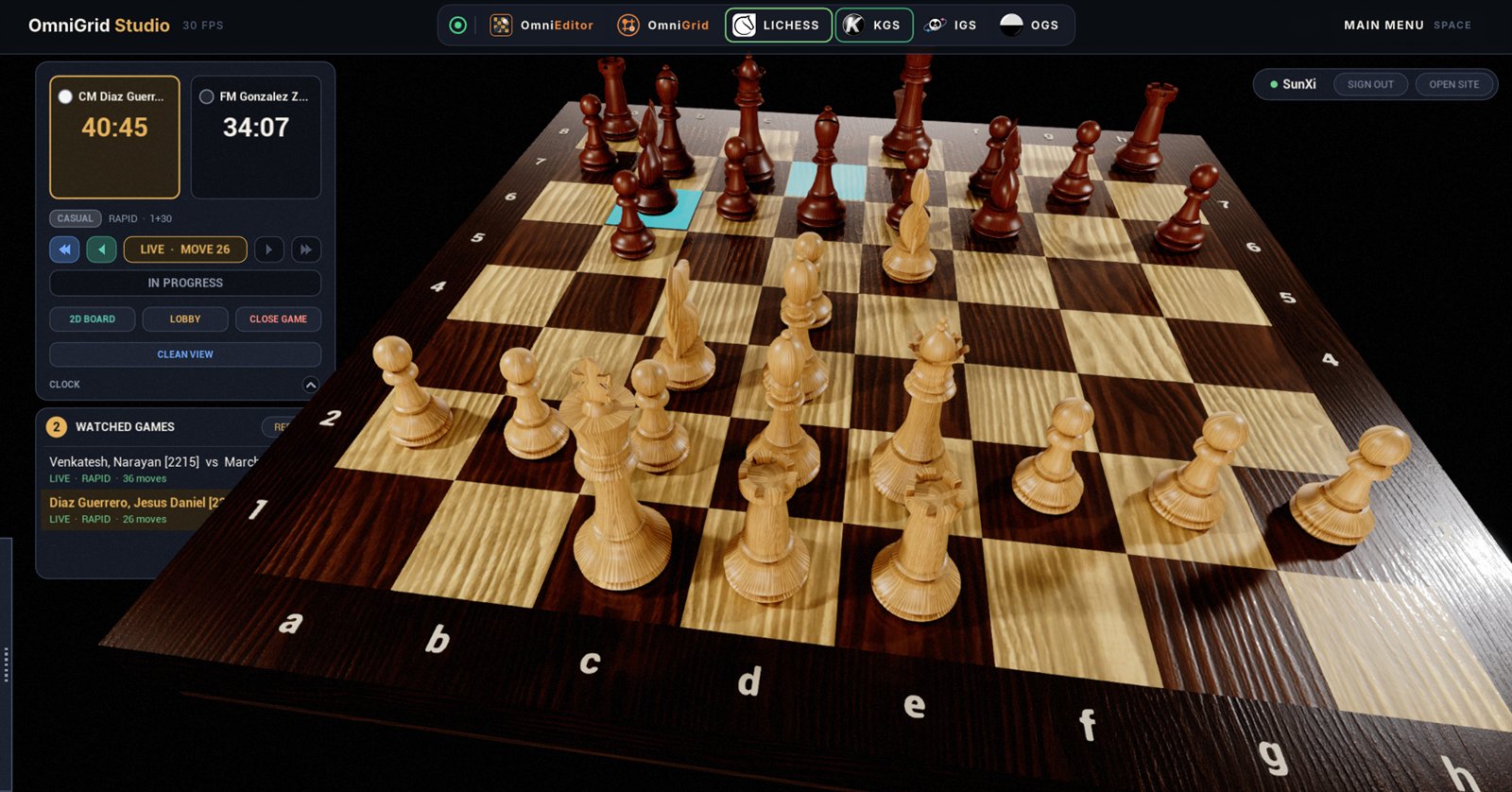
The site stays one click away. OPEN SITE shows lichess.org inside the app, for bullet, blitz or puzzles. Games and boards from lessons, puzzles, analysis and studies are mirrored on the 3D board.
Your account stays safe. You sign in on lichess.org itself. The access token is stored encrypted on your PC (Windows DPAPI) and is never written to a log. SIGN OUT deletes it.
Each service has its own tab, its own connection status and its own game list.
Rooms in tabs, room chat, live games, match creation and challenges, game review, and user cards with rank graph, archive, friends and mailbox.
Live and correspondence games, ladders with their podium, tournaments, challenges and player profiles on online-go.com.
The historic server: game and player lists, players looking for a game, match requests, player statistics and game chat.
Your Lichess account in the app: lobby, games played in 3D, TV, broadcasts and leaderboards. The site stays one click away.

The title bar: one tab per service with its connection light. Ctrl+Tab goes to the next tab; Space opens the main menu.
Colour themes, render quality and lighting: choose them in the options, they apply at once.
One click changes the colours of the whole application: panels, boards, title bar. These are the palettes of the app: click one to try it on this page.
Your choice is kept for your next visit. Default brings back the site colours.
From a fast mode for modest graphics cards to hardware ray tracing and path tracing. Each level keeps the effects of the one before.
Ray tracing modes need a graphics card with hardware ray tracing; without one they fall back to the standard renderer.
In the options, each preset comes with a top view of its lights. Default gives each game its own tuned lighting.
Click an image to enlarge it.
Download OmniGrid Studio and open your first board in minutes.
Go to the download page